Graham Mayor
... helping to ease the lives of Microsoft Word users.
 |
 |
 |
Many people access the material from this web site daily. Most just take what they want and run. That's OK, provided they are not selling on the material as their own; however if your productivity gains from the material you have used, a donation from the money you have saved would help to ensure the continued availability of this resource. Click the appropriate button above to access PayPal.
What are those strange ruler measurements?
Sometimes Word pops up with strange units of measurement which clutter the ruler with tiny divisions that bear no relationship to the preferred measurements set in Tools > Options > General. These are known as character units.
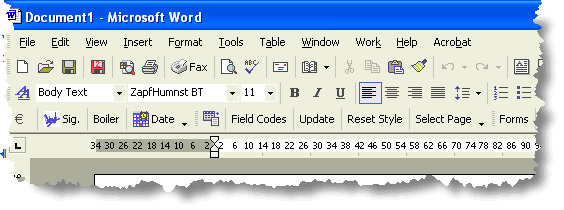
Character units above - centimeters required below:
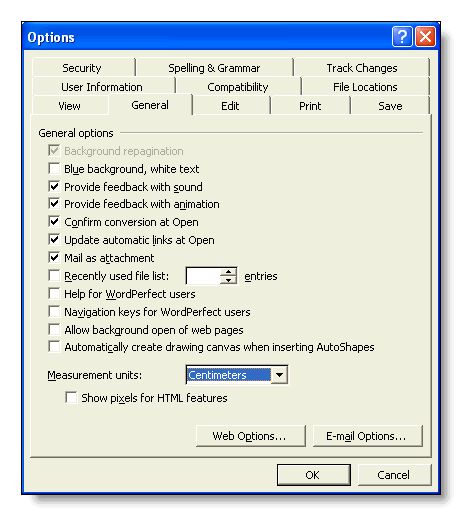
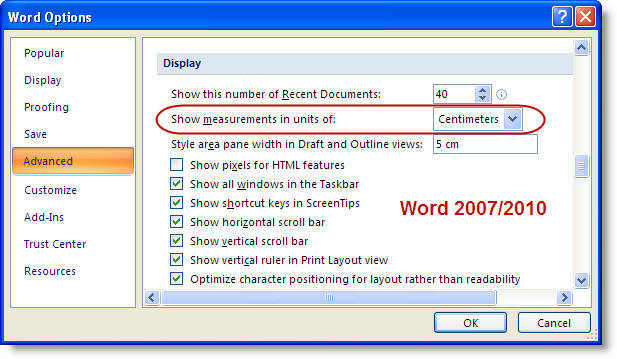
This is an undesirable aspect of the Asian languages compatibility - undesirable for non-Asian languages that is. Fortunately the issue is soon fixed.
Press ALT+F11. This opens the macro editor. Press CTRL+G (View > Immediate Window). This provides a 'chat' window in which you can type vba code to be executed immediately. In that window, type
Options.UseCharacterUnit = False
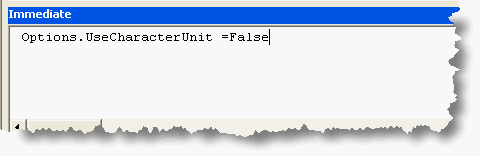
and press the enter key.
Job done! You can now close the macro editor and return to Word, where you will find your chosen measurement option set - here centimeters.
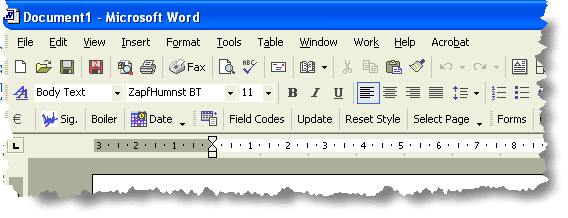
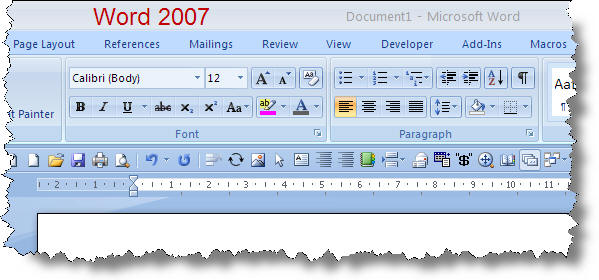
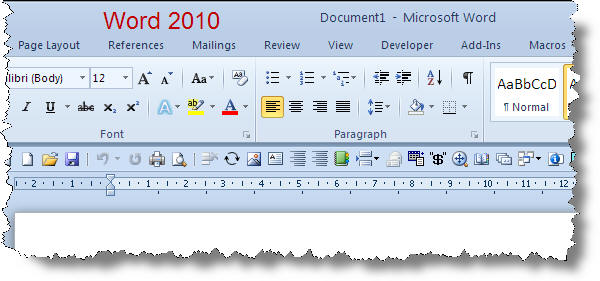
Character Units
This page only just made the cut to the new site as it applies
primarily to Word 2002 and 2003 versions, and frankly it has been a while
since I have seen the issue raised so it may have been fixed ... though
somehow I doubt it. 